
🐝 World's First Bluetooth eSIM Tool Card

BeeSIM — Bring eSIM Features
to Phones Without eSIM

One Card for Global Networks · Say Goodbye to the Multi-Card Era

Bluetooth Writing · No Card Reader · Plug & Play · Plans Move with the Card
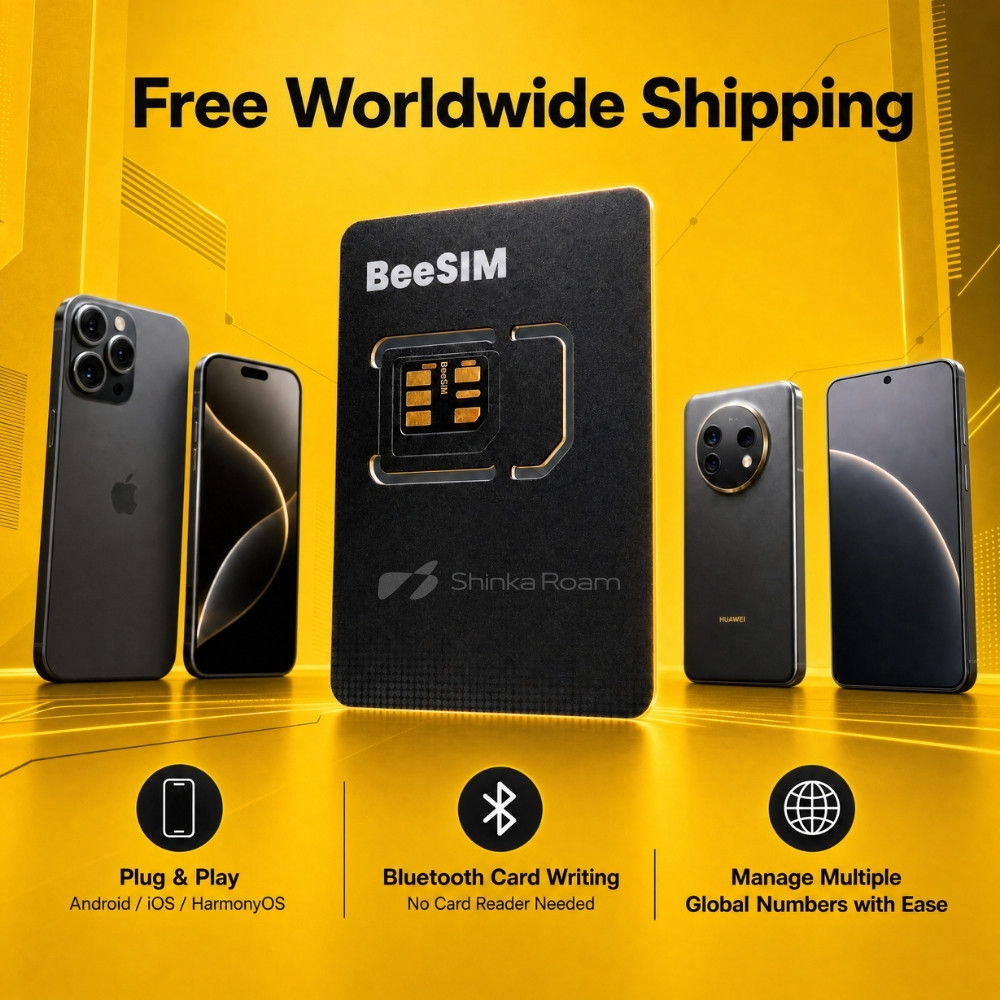
BeeSIM Bluetooth eSIM tool card, Bluetooth card writing, free worldwide shipping, supports iOS Android HarmonyOS

Who Is BeeSIM For?

Whoever you are, BeeSIM will completely change the way you connect to the world

💼Cross-Border E-commerce Sellers
✈️International Travelers
🧳Business Professionals Abroad
🎓Overseas Students
🌐Global Product Enthusiasts

What Is BeeSIM?

BeeSIM is the world's first Bluetooth eSIM tool card — it brings eSIM capability even to iPhones without native eSIM support. It writes eSIM profiles into a physical card with an embedded Bluetooth chip deployed locally for security and reliability. No device restrictions — just insert the card and it works out of the box. Purchase, store, and switch between network plans from countries and regions worldwide.

eSIM (embedded SIM) is a programmable SIM technology — when you switch carriers, the profile is downloaded directly to your device over the network. BeeSIM brings this capability to every phone with a Nano-SIM slot.

Four Core Highlights

🌍Global Networks, One Card in Control
  • Write via mini app, ready anytime: local Bluetooth chip deployment, secure and reliable
  • Supports network plans across multiple countries and regions worldwide
  • No more hunting for local SIM cards or carrying multiple cards when traveling abroad
📱eSIM Service on Non-eSIM Phones
  • Innovative tech: securely writes your purchased plans into the physical card via Bluetooth
  • Broad compatibility: works with old and new phones — any standard Nano-SIM slot, iOS / Android / HarmonyOS
  • No phone upgrade needed: enjoy the latest connectivity on your current device
🔀Multi-Account Management, One-Tap Switching
  • Instant switching: work number, personal line, travel data plan — switch seamlessly
  • Store multiple numbers and plans on a single card for efficient eSIM management
🔄Worry-Free Phone Upgrade, Plug & Go
  • Plans follow the card: all purchased plan data is stored securely in the BeeSIM hardware card
  • Seamless migration: upgrading phones? Just move the card to the new phone's SIM slot
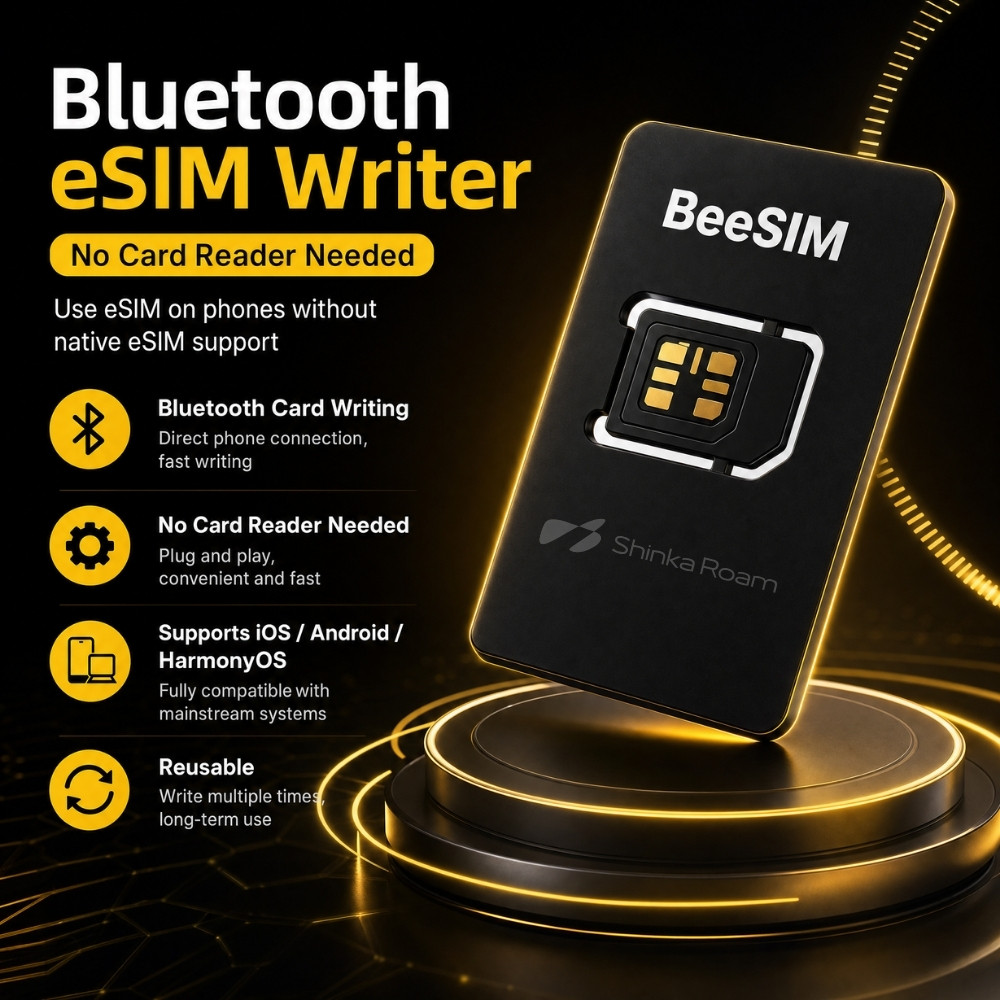
BeeSIM features: Bluetooth card writing, no card reader needed, supports iOS Android HarmonyOS, rewritable for long-term use

BeeSIM at a glance: Bluetooth writing · No card reader · Full OS compatibility · Rewritable
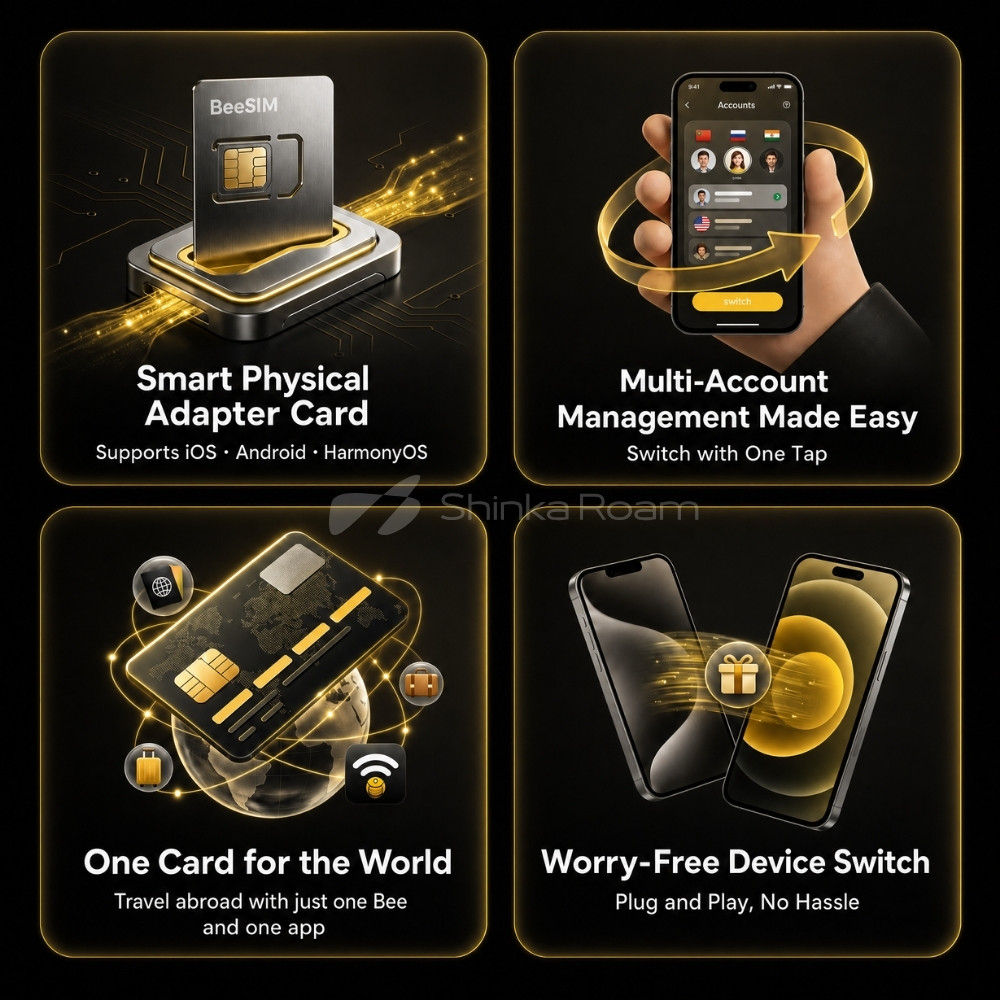
BeeSIM smart physical adapter card, multi-account one-tap switching, one card for the world, worry-free device switch

Smart physical adapter card · Easy multi-account management · One card for the world · Zero-hassle device switch

Get Started in 4 Steps

1
Insert the Card
Insert the BeeSIM card into your phone's SIM slot — exactly like a regular SIM card.
2
Connect via Bluetooth
Turn on Bluetooth and connect to BeeSIM using either method:
  • WeChat Mini Program (recommended, Android & iOS): search "BeeSIM" in WeChat and grant WeChat location permission. Do not pair in system Bluetooth settings — if already paired, disconnect first and connect from within the mini program.
  • Web page: visit beeesim.com/ble — on Android use Chrome or Edge; on iOS download the Bluefy app. Then follow the prompts to connect to the Bluetooth device starting with "BeeSIM".
3
Write the eSIM
Choose a suitable carrier plan (confirm it covers your destination), then scan to write the eSIM. Keep the mini program in the foreground until writing completes.
4
Activate the eSIM
In the eSIM list, tap the written plan and enable the number. Your phone will re-detect the SIM — most phones pick up signal automatically; some need a moment. If needed, toggle airplane mode (30+ seconds apart, repeatable), restart the phone, or re-insert the card to trigger a network search.

Specifications & Compatibility

Item Specification
Product Name BeeSIM Bluetooth Tool Card
Model BeeSIM-V1
Form Factor Standard Nano-SIM (12.3mm × 8.8mm)
Compatible Devices All smartphones with a standard Nano-SIM slot
Supported Systems iPhone / HarmonyOS / Android
Connection Bluetooth Low Energy (BLE)
Core Functions Global eSIM plan writing (except Vodafone), multi-number storage, cross-device migration

What's in the Box

💳
BeeSIM Bluetooth Tool Card × 1
Built-in Bluetooth chip, rewritable
📌
Nano-SIM Tray Eject Pin × 1
Ready out of the box, no extra accessories needed

Important Notes

📍
When using the WeChat mini program, grant WeChat location permission. Do not pair BeeSIM in your phone's system Bluetooth settings — if already paired, disconnect first and connect from within the mini program.
🔵
For first use or when writing a new plan, make sure Bluetooth is on and keep the mini program in the foreground until writing completes.
🔥
Do not bend the card or expose it to heat, as this may damage the internal chip.
💬
For any connection or usage issues, check "Help & Feedback" in the mini program or contact our support team.

FAQ

My phone doesn't support eSIM. Can I still use BeeSIM?
Yes — that's exactly what BeeSIM is for. As long as your phone has a standard Nano-SIM slot (iOS, Android, or HarmonyOS), BeeSIM gives you the convenient plan-purchasing experience previously exclusive to eSIM phones — no phone upgrade required.
Do I need a card reader or computer to write plans?
No. BeeSIM has a built-in Bluetooth chip — plans are written securely and directly into the card via the WeChat mini program or web page, ready whenever you need it.
Will my purchased plans survive a phone upgrade?
Yes. All purchased plan data is stored securely in the BeeSIM hardware card. When you switch phones, simply move the card to the new phone's SIM slot — your plans migrate seamlessly.
What if there's no signal after activating a plan?
After activation, your phone re-detects the SIM and usually picks up signal automatically; some phones need a moment. If there's still no signal, try toggling airplane mode (30+ seconds apart, repeatable), restarting the phone, or re-inserting the card to trigger a network search.
How many numbers can it store? Which carriers are supported?
BeeSIM supports multi-number storage with one-tap switching and works with eSIM plans from many countries and regions worldwide (except Vodafone). Manage your work number, personal line, and travel data plan all on one card.
🐝 BeeSIM · by ShinkaRoam — One card for global networks. Say goodbye to the multi-card era.
Rating: 4.71 Score
Total 12 Reviews
Avatar Smithgov

Compatible with both Android and iOS; writing cards via Bluetooth is convenient on Apple devices.